Comic
Fay's Diary Comic
Kanji Transformer Series
Our Android Apps
Paper Toy
Animation
Dharma Cartoon
Figure Photo Collection
Flash Game
Old Work
Game & Software
About Us
Links
Ataya's Embedded Systems Blog
Green Tea Story
Green Tea Story
Play with BeagleBoneBlack
Studio Wallpaper & Sticker
Studio Wallpaper
Studio Wallpaper
The Sky Flower & The Temple Dog
Date : Monday,9 February 2026
Writer : Ataya P
My old PC just went to heaven. so, I have to buy new PC, BMAX B4 Ultra and installing Ubuntu. Let's take a look ...
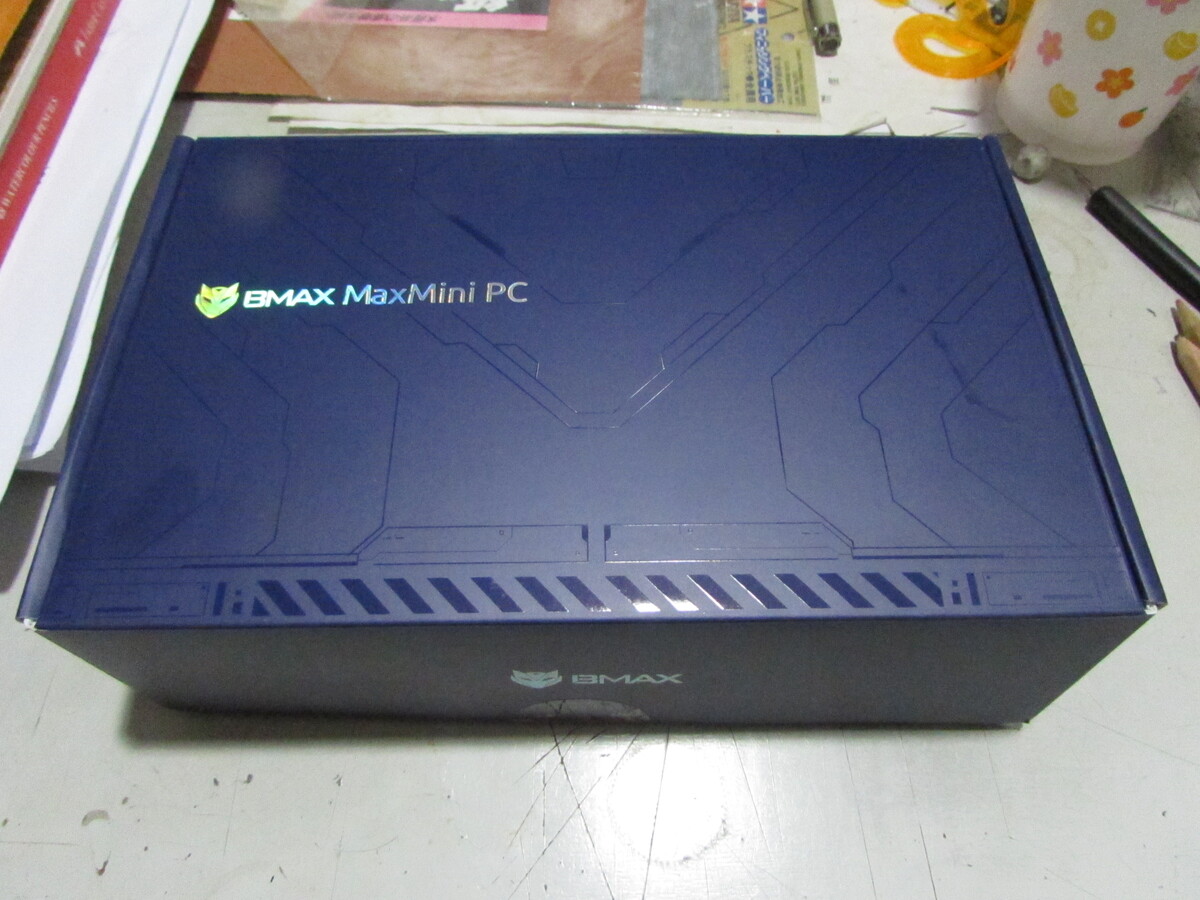
Hardware:
BMAX B4 Ultra Mini PC
USB Keyboard and Mouse
HDMI support Monitor
USB Thumb Drive ( >10 GB)
Software:
Ubuntu 24.04.3 LTS Image
Detail
1. First download the latest Ubuntu Desktop Image from https://ubuntu.com/download/de
2. Next format USB thumb drive on your Linux machine with these below commands.
# lsblk -f To find your USB thumb drive device.
# umount /dev/sdX1 Where sdX1 is your USB thumb drive. Unmount it first.
# mkfs.ntfs -f /dev/sdX1 This command for format thumb drive to NTFS format.
# dd if=/home/media/ubuntu.iso of=/dev/sdX bs=4M && sync This command for write Ubuntu image that you have downloaded to already formated USB thumbdrive.
2. Unboxing BMAX B4 Ultra Mini PC and plug in keyboard, mouse and connect to monitor via HDMI cable.
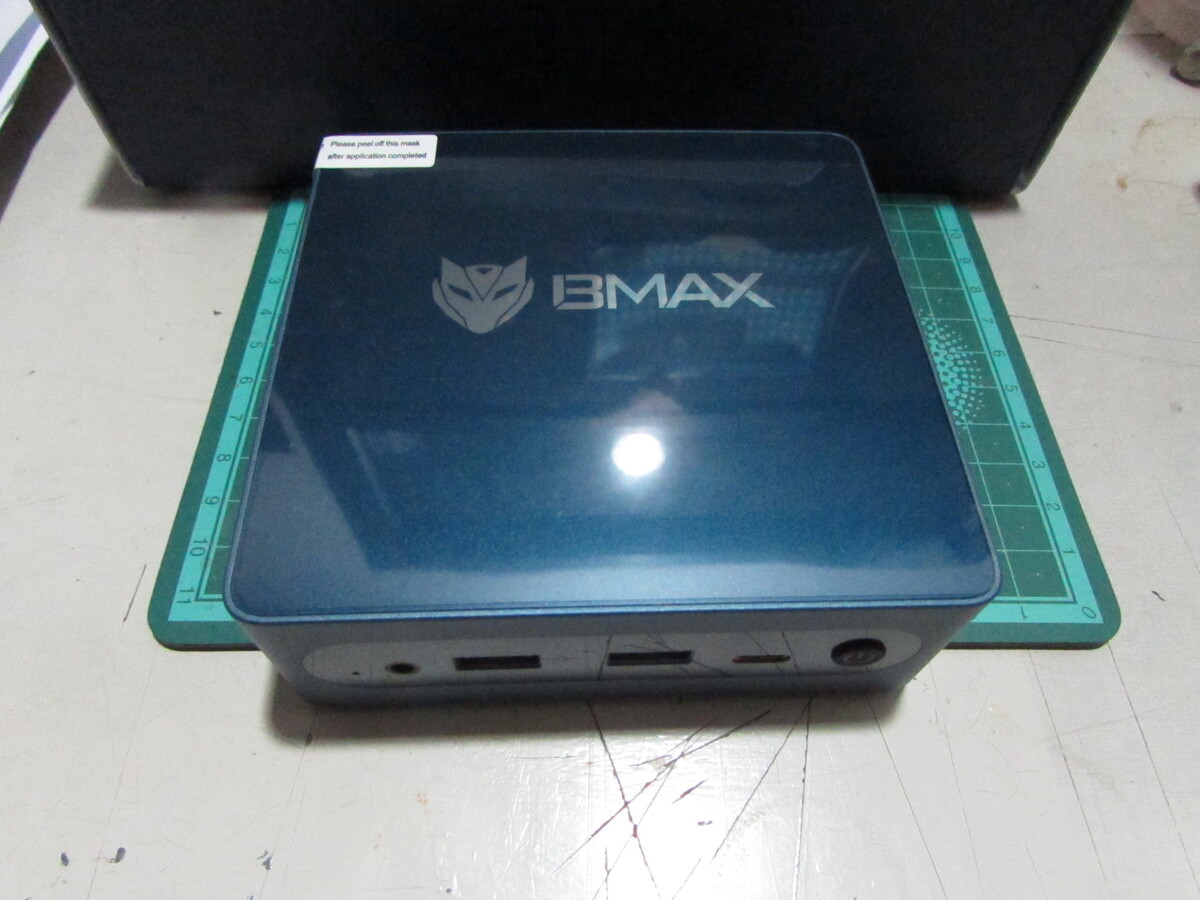
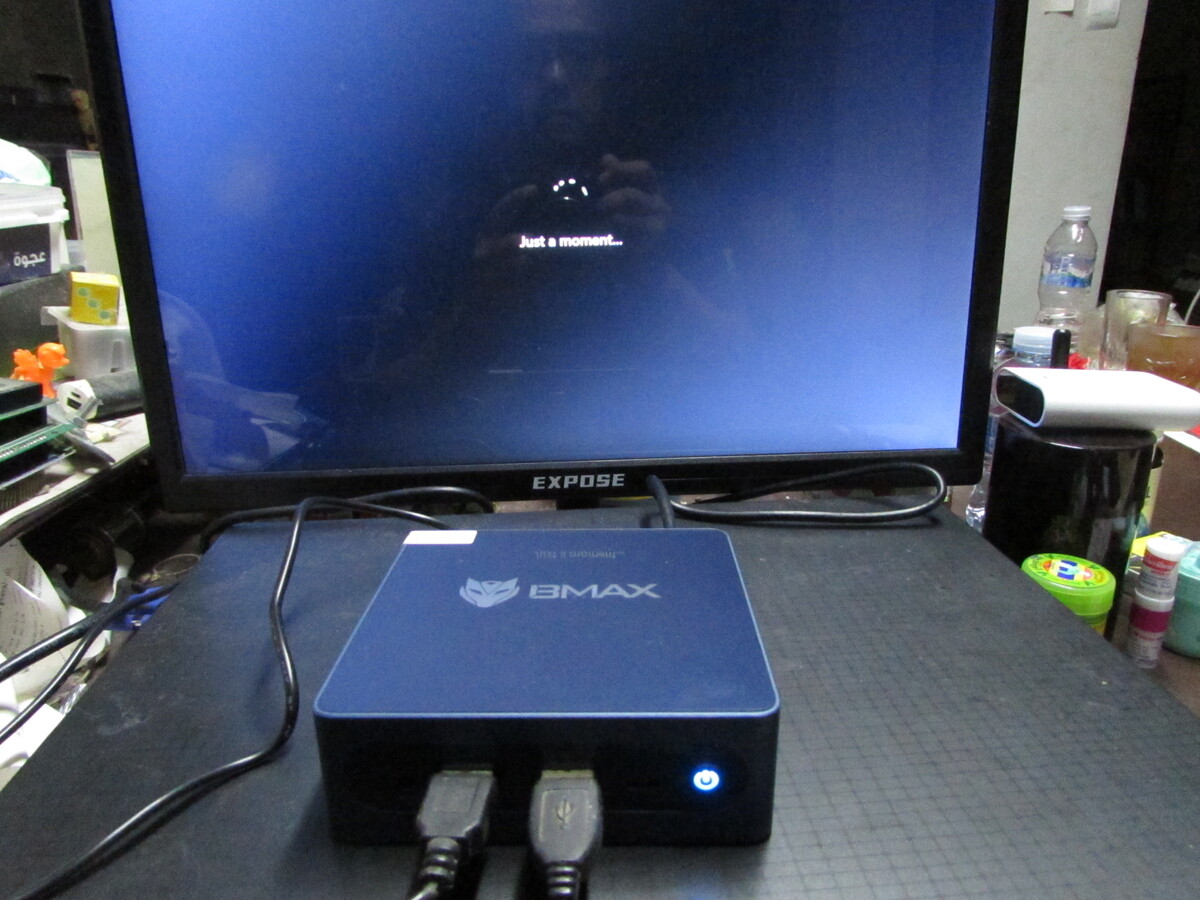
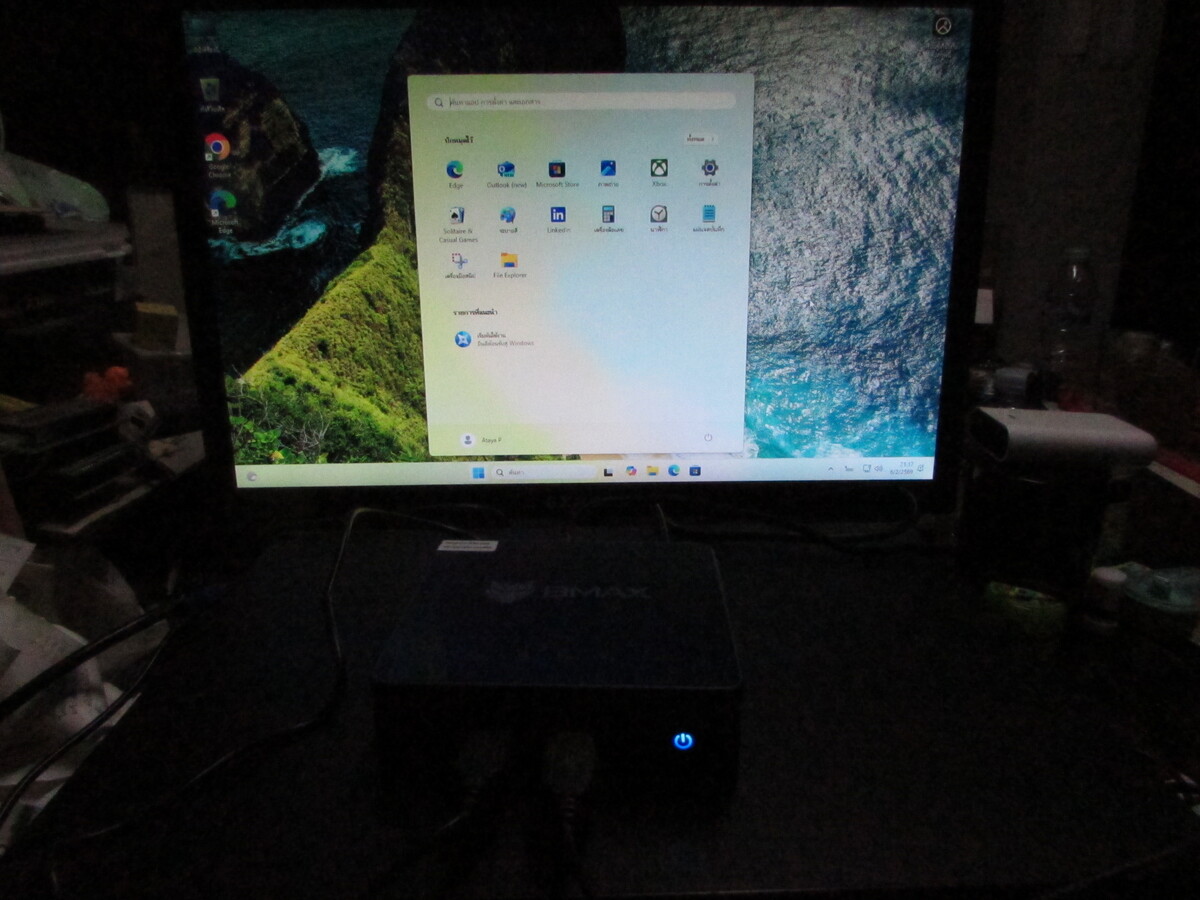
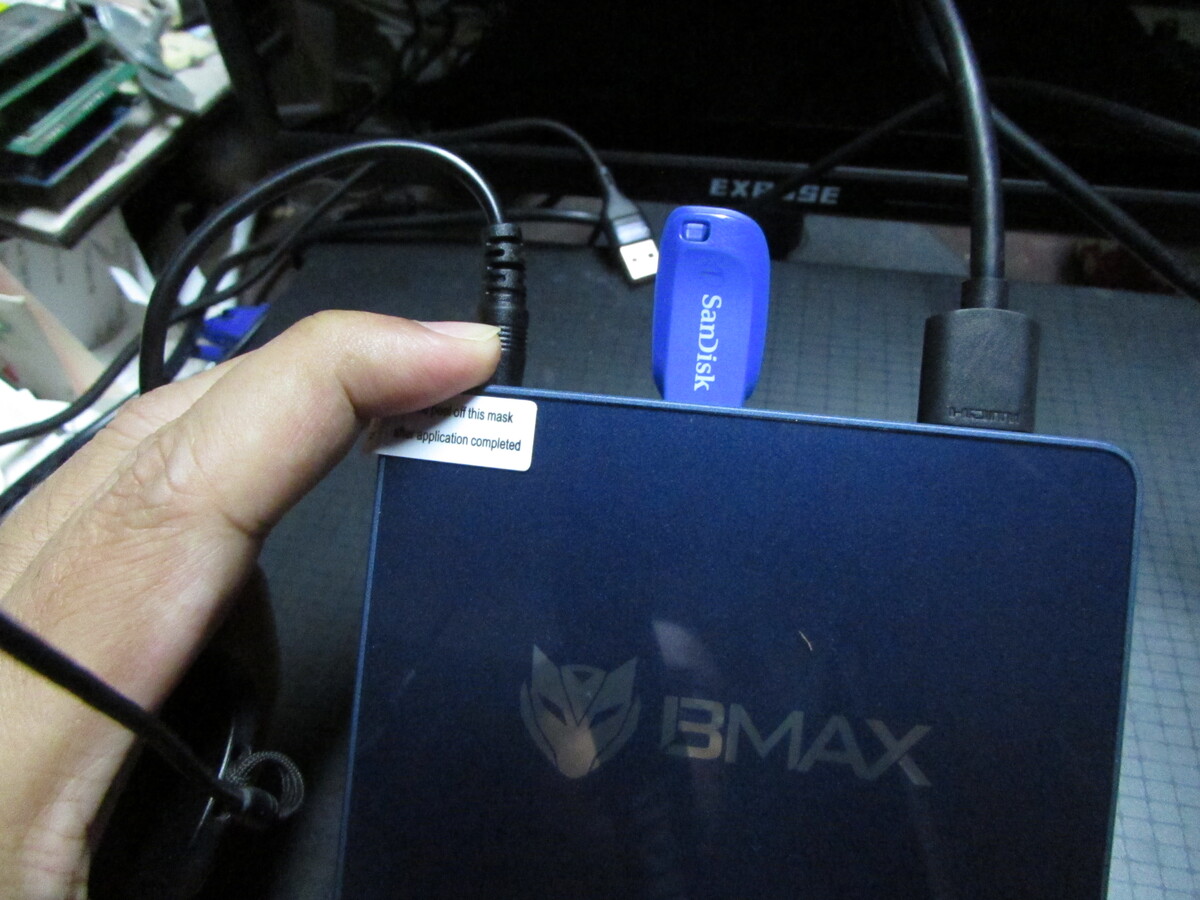
3. Plugin your Ubuntu Thumb drive to BMAX B4 Ultra Mini PC and reboot the machine.
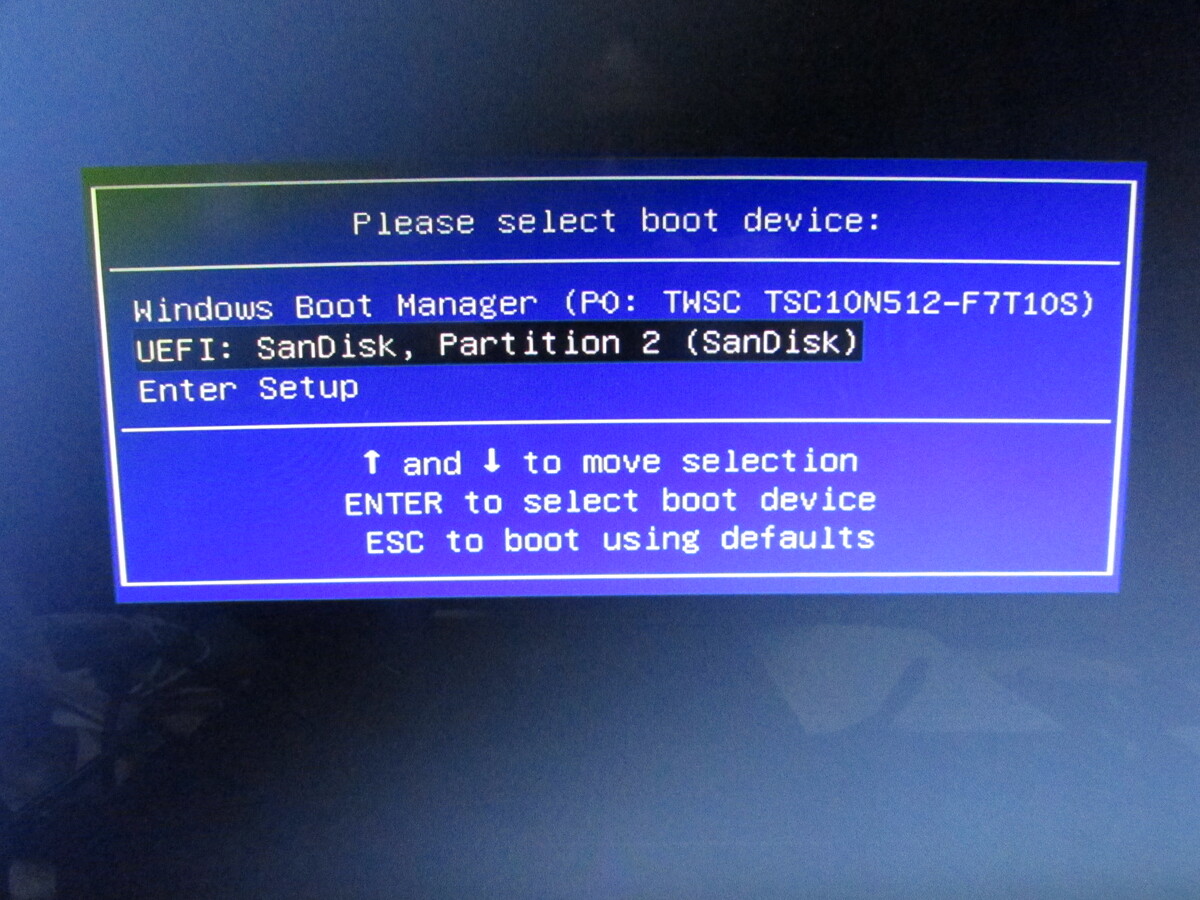
4. At the boot process. Press F11 and select "UEFI : SanDisk, Partition 2 (SanDisk)" to boot the Ubuntu from your USB Thumbdrive.
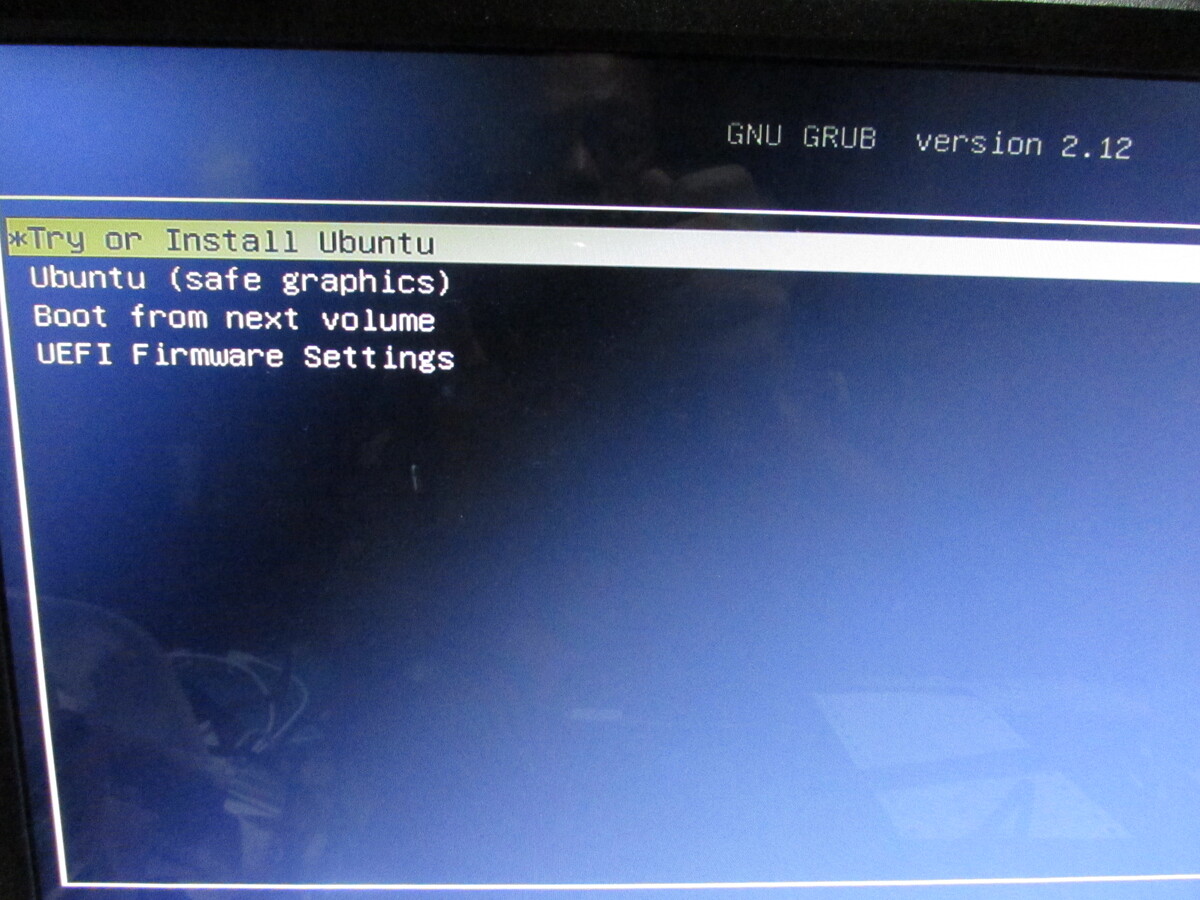
5. Select "Try or Install Ubuntu"
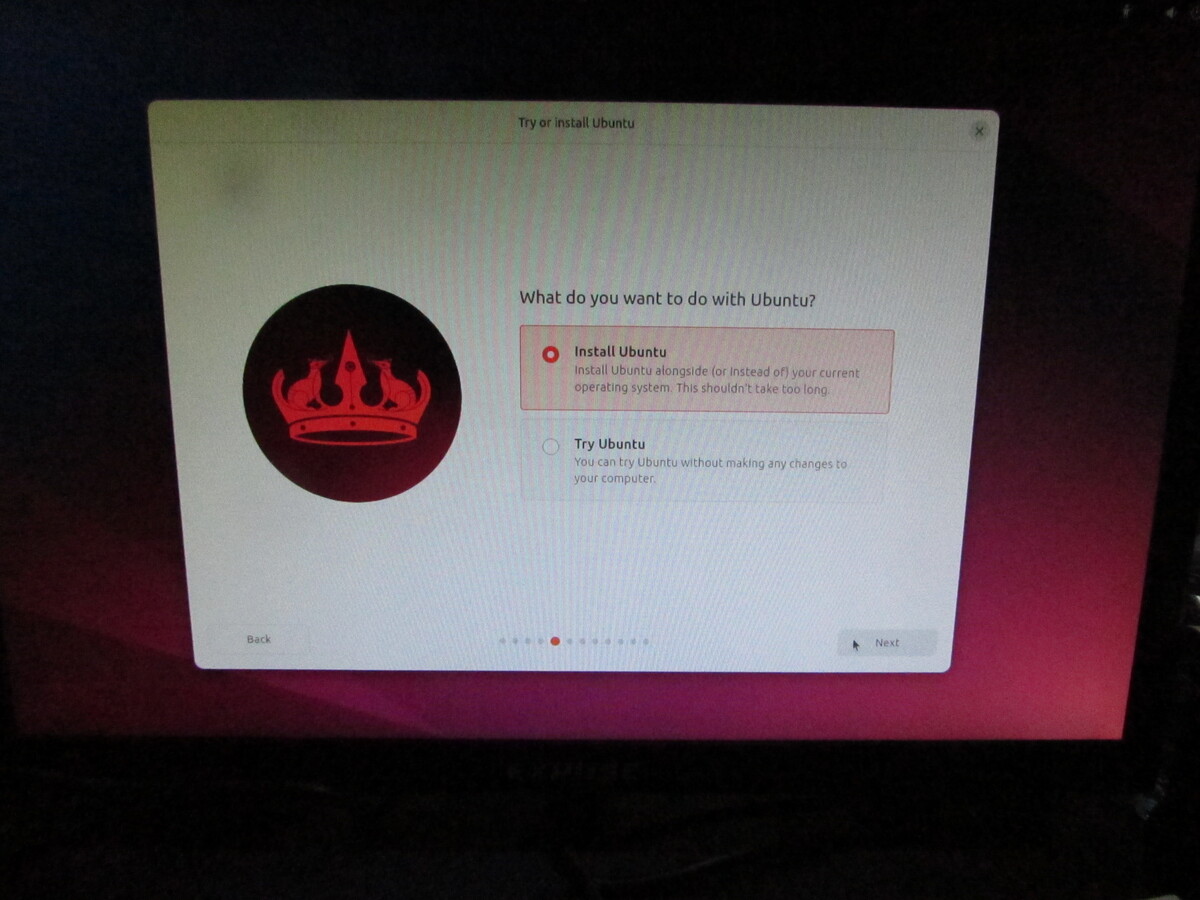
5. Next Select "Install Ubuntu" and setting Ubuntu as you want
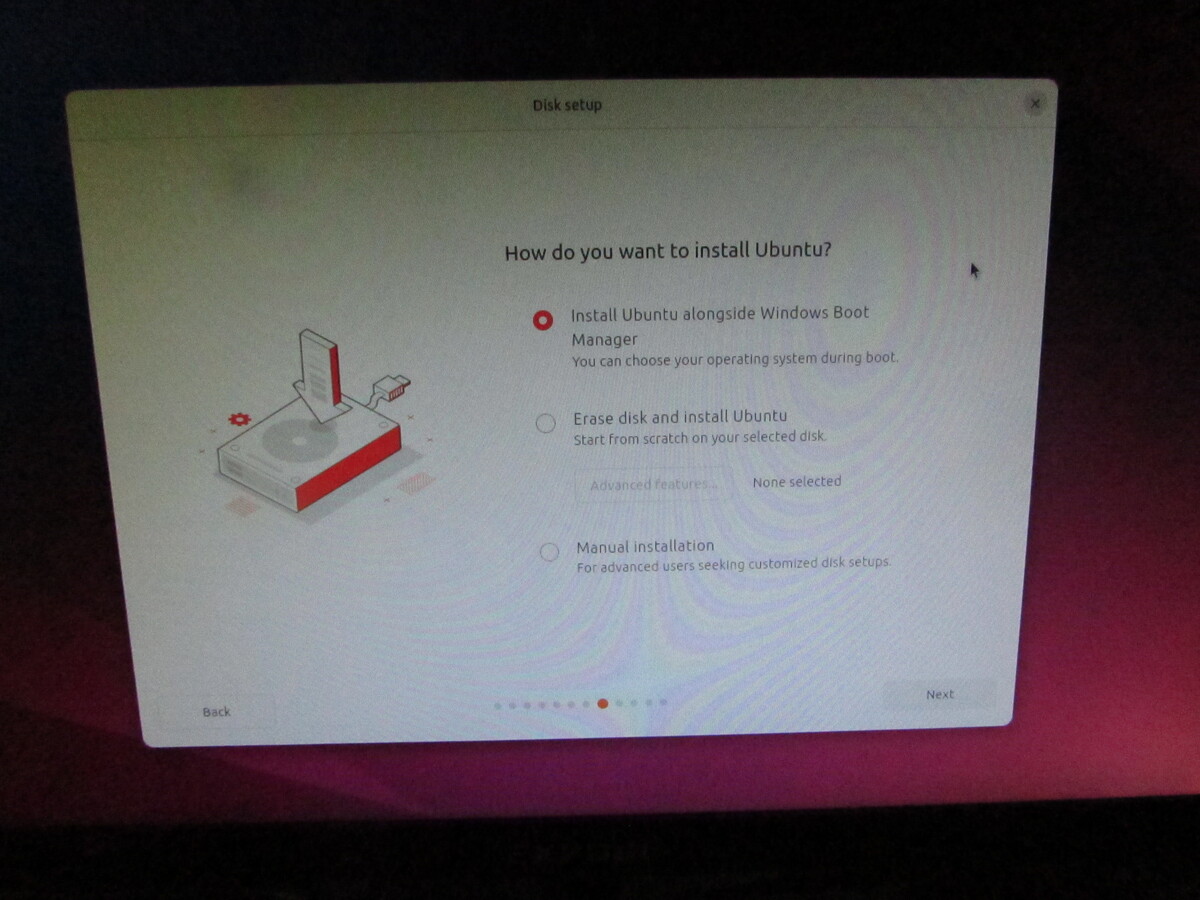
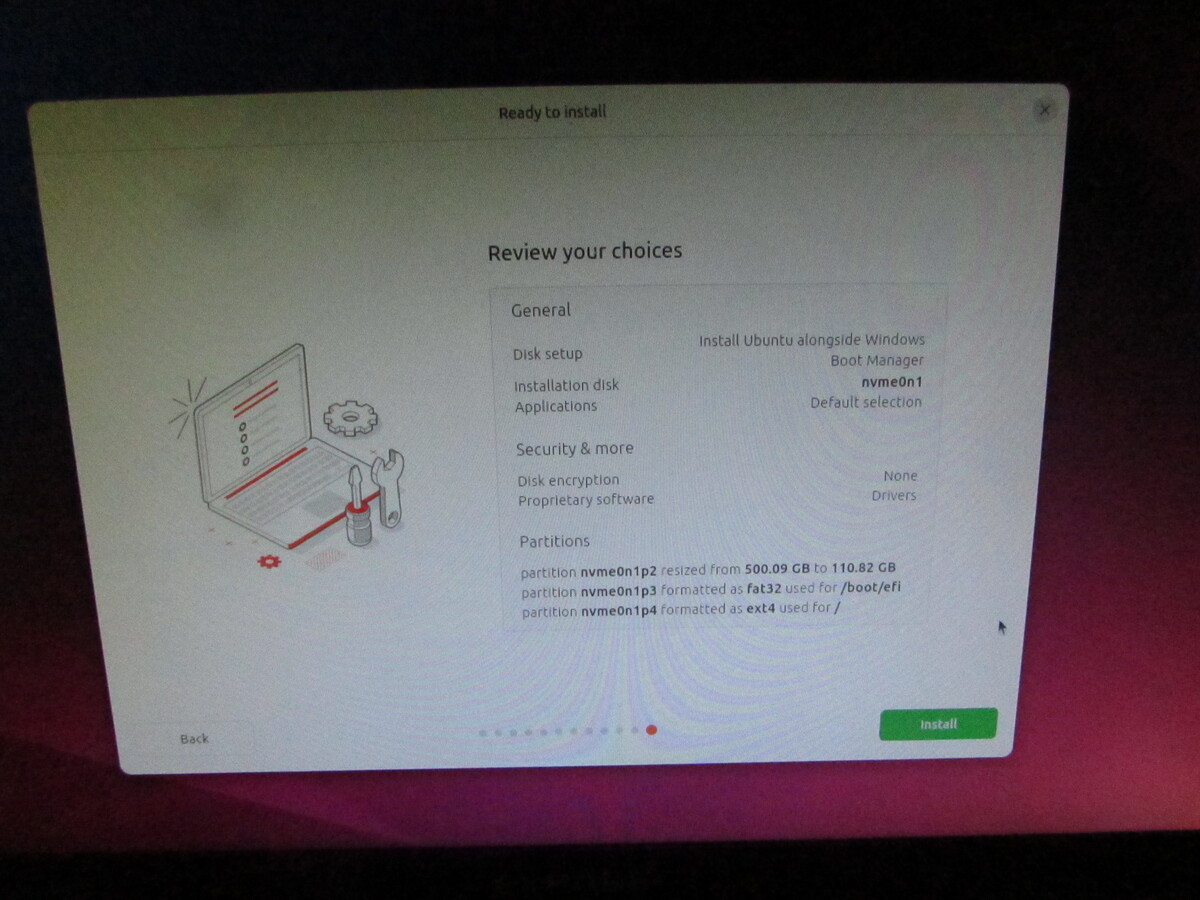
6. After installation finised, reboot and select "Ubuntu" to boot Ubuntu for the first time.
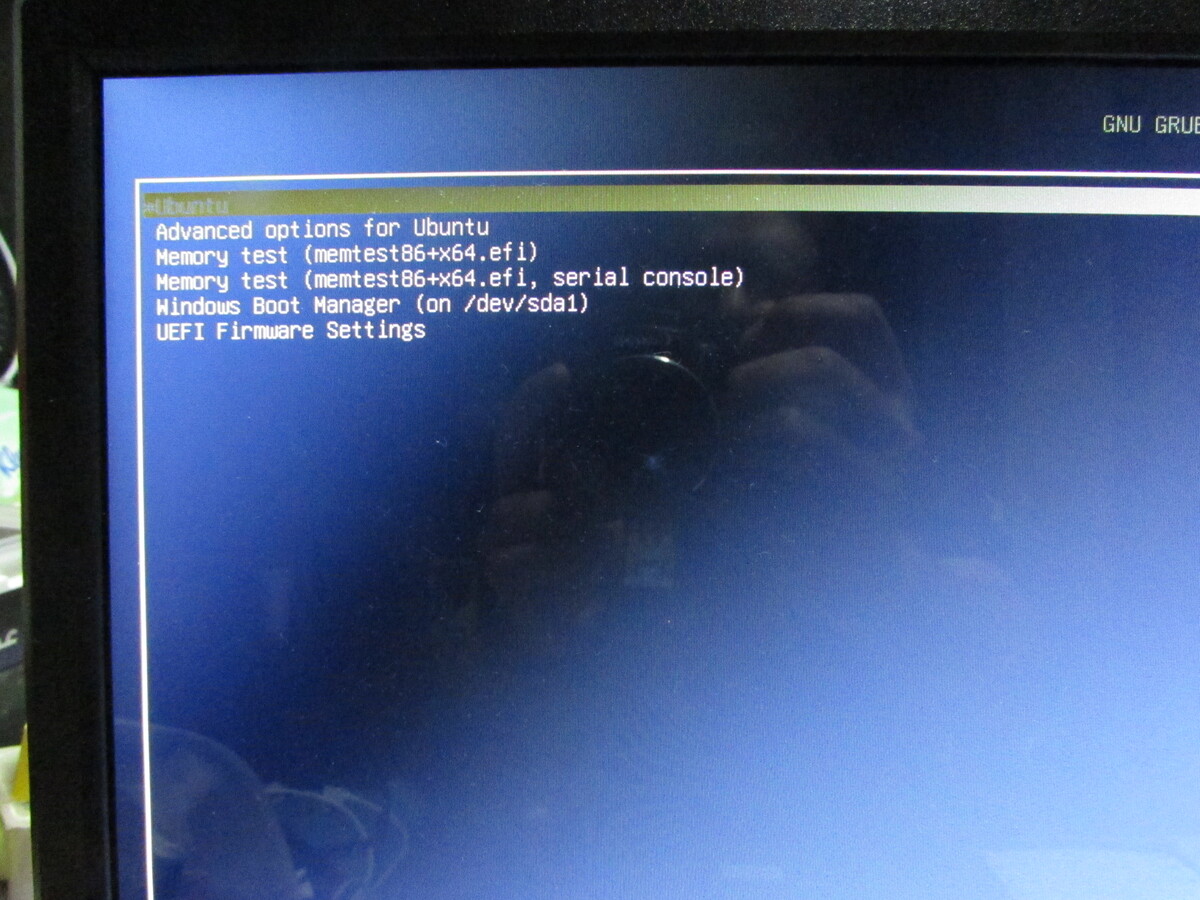
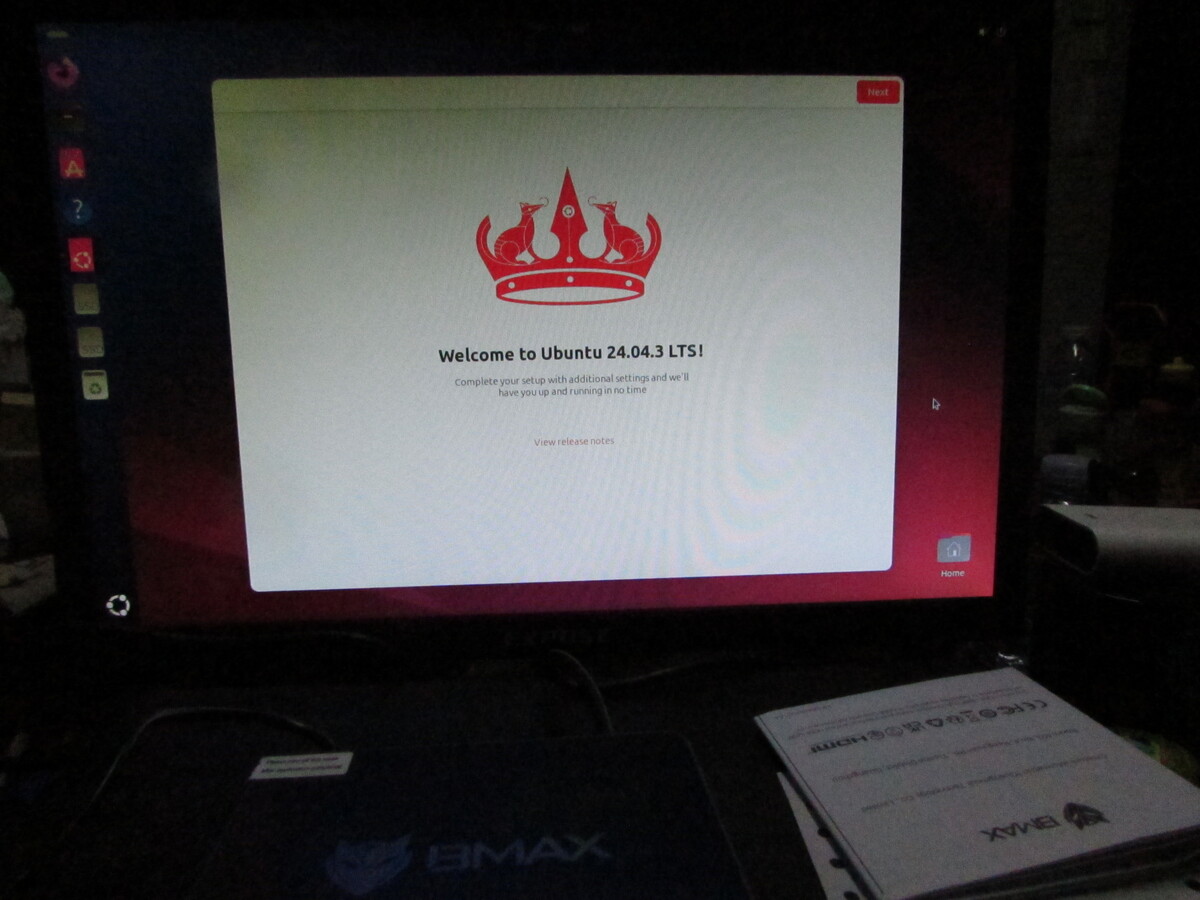
Writer : Ataya P
My old PC just went to heaven. so, I have to buy new PC, BMAX B4 Ultra and installing Ubuntu. Let's take a look ...
Hardware:
BMAX B4 Ultra Mini PC
USB Keyboard and Mouse
HDMI support Monitor
USB Thumb Drive ( >10 GB)
Software:
Ubuntu 24.04.3 LTS Image
1. First download the latest Ubuntu Desktop Image from https://ubuntu.com/download/de
# lsblk -f To find your USB thumb drive device.
# umount /dev/sdX1 Where sdX1 is your USB thumb drive. Unmount it first.
# mkfs.ntfs -f /dev/sdX1 This command for format thumb drive to NTFS format.
# dd if=/home/media/ubuntu.iso of=/dev/sdX bs=4M && sync This command for write Ubuntu image that you have downloaded to already formated USB thumbdrive.
2. Unboxing BMAX B4 Ultra Mini PC and plug in keyboard, mouse and connect to monitor via HDMI cable.

Custom Search
 English
 日本語
日本語 ภาษาไทย